

Timeline Visualizer
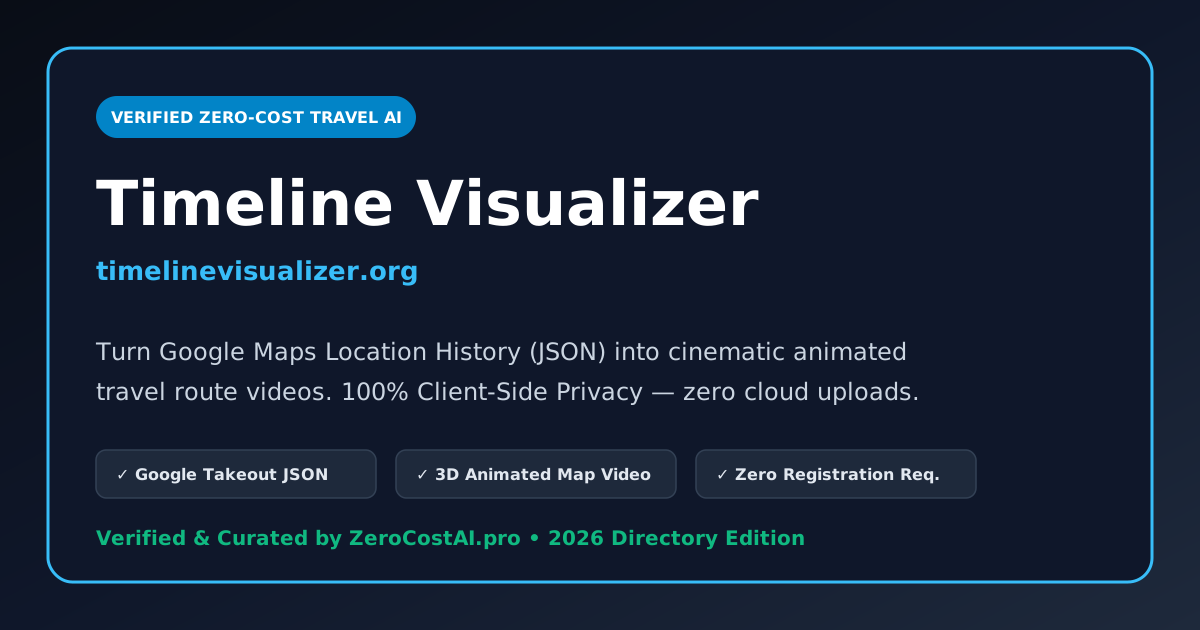
100% Free ToolTimeline Visualizer (timelinevisualizer.org) is an open, privacy-preserving web application that turns your raw Google Maps Location History (Timeline JSON export) into an engaging, animated 3D map travel video with zero software installation.
Yes, Timeline Visualizer is completely free to use online at timelinevisualizer.org. It runs 100% client-side in your browser, meaning your private GPS location data is never uploaded to any remote server.
Are you the creator of Timeline Visualizer? Your listing currently carries a standard nofollow tag. Embed the reciprocal badge snippet below in your website footer or README, then click Verify My Website Badge Now to instantly switch your outbound link to permanent DoFollow — or skip the badge completely with the $29 Express Pass!
Quick Facts: Pricing, Quotas & Architecture
Hands-On Testing: What We Liked & What to Know
- Total Privacy Protection: Your personal location history never touches an external server; all parsing and animation rendering happen directly in your browser.
- Cinematic Travel Storytelling: Transforms dull GPS coordinate points into a dynamic route video showing cars, planes, and walking paths.
- Customizable Camera & Speeds: Adjust zoom levels, speed curves, map styles (light, dark, satellite), and add pause points at memorable destinations.
- Social Media Ready: Instant export options for 9:16 vertical (Instagram Reels / TikTok) and 16:9 widescreen formats.
- Very large multi-year JSON exports (over 200MB) can require higher RAM on older mobile devices during video encoding.
- Requires you to first download your location history file from Google Takeout or the Google Maps mobile settings.
Hands-On Testing Notes: Is Timeline Visualizer Actually Free?
Yes, Timeline Visualizer (timelinevisualizer.org) is completely free to use. There are no subscriptions, no credit card paywalls, and no hidden token meters. You simply visit the website, drag-and-drop your Google Maps location export, customize your map visual style, and render your travel animation.
How to Turn Your Google Maps Timeline into a Video
- Step 1: Export Your Timeline JSON: Open Google Maps → Your Timeline → Settings → Export Timeline Data, or visit Google Takeout to download your location history.
- Step 2: Drop into Timeline Visualizer: Drag your JSON file directly into timelinevisualizer.org.
- Step 3: Select Date Range & Stops: Filter by vacation dates, road trips, or international flights.
- Step 4: Choose Map Style & Export: Pick between satellite 3D, minimalist dark, or terrain view, then export your animated video file in high resolution.
Frequently Asked Questions (Timeline Visualizer)
Timeline Visualizer Architecture & Reverse-Engineering Teardown
Under-The-Hood Stack
The frontend uses Next.js with React 19; Cloudflare Edge / Workers host the backend. The tool may be an API wrapper for third-party models or use proprietary fine-tuned weights.
Paywall & Margin Teardown
The free tier has credit burns, watermarks, and feature limits. Monthly recurring costs may be high compared to raw API calls, but the pricing isn't justified for all users.
Zero-Cost Rebuild ($0 Stack)
Replicate this feature for free using open-source tools like Ollama or Whisper.cpp with ZeroCostAI engines to avoid subscription fees.