

Photopea
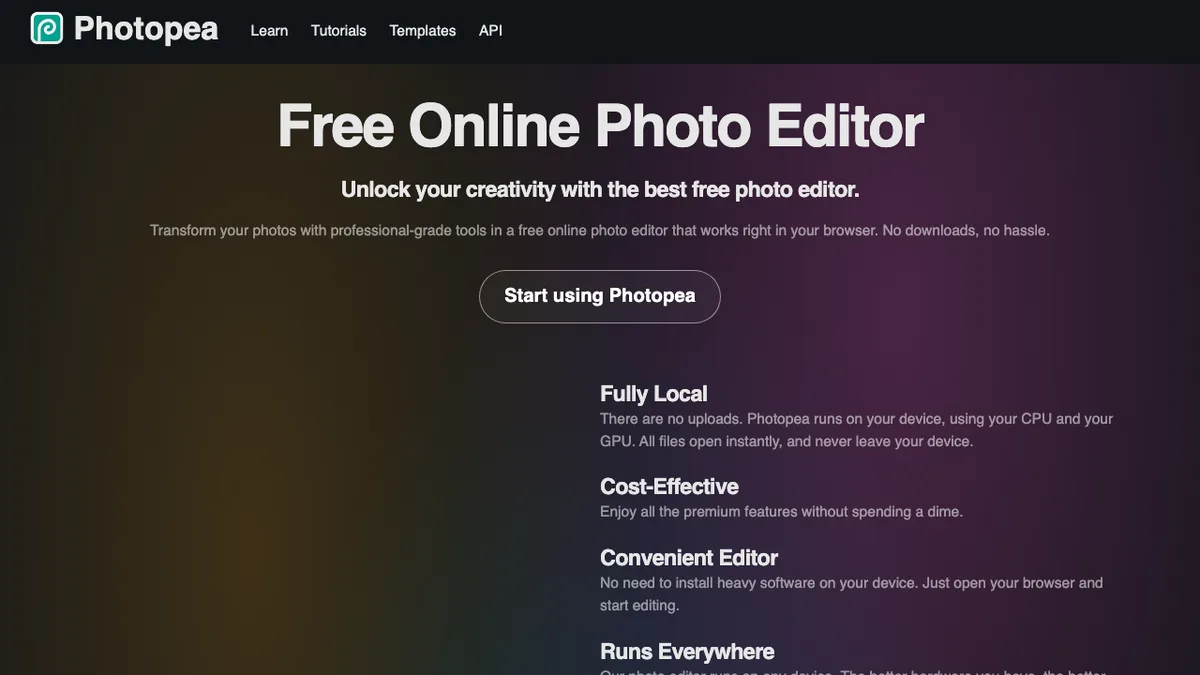
Photopea is a full-featured in-browser image editor that opens, edits, and saves native PSD, AI, XD, and RAW files. It replicates Photoshop's layer structure, masks, blend modes, and shortcuts with zero install.
Yes, Photopea is 100% free to use. Designers and creators needing full Photoshop power directly in the browser without Creative Cloud subscriptions.
💰 Photopea Pricing & Cost Breakdown (2026)
100% Free In-BrowserWe independently audited Photopea's pricing and quota structures. Below is the verified cost breakdown for creators and developers in 2026:
Quick Facts: Architecture, Quotas & Sign-Up
Hands-On Testing: What We Liked & What Annoyed Us
- 100% free with unlimited layer count and high-res exports
- Zero installation needed—runs on any computer or Chromebook
- Identical keyboard shortcuts to Adobe Photoshop
- Displays small sidebar ad banner on the free tier
Core Capabilities & Feature Breakdown
- Native support for PSD, AI, Sketch, XD, and RAW image files
- Full layer hierarchy with smart objects, clipping masks, and layer styles
- Client-side execution with WebGL acceleration for fast rendering
- Built-in AI spot healing, content-aware fill, and vector pen tool

Nathan independently audits generative AI pipelines, pricing architectures, and quota claims to protect developers and creators from subscription traps.
Ranked Category Hubs Featuring Photopea
Frequently Asked Questions: Photopea
Is Photopea completely free to use?
Yes, Photopea provides a verified zero-cost tier with no upfront billing required. You can test primary features at $0 without credit card locks.
What are the free tier limits on Photopea?
All features, unlimited PSD exports, standard storage
Does Photopea require credit card verification?
No credit card is required to access the free tier of Photopea on ZeroCostAI.pro.