

We track 733+ AI tools across 30 categories. Submit yours →
πŸ’¬

πŸš€ Limited-Time: $29 Express Review

Get a same-day professional review of AirBrush Image Enhancer and 1,000+ AI tools. Claim Your $29 Review β†’

⏳ Only 2 slots left
Expires: 2026-12-01
Airbrush Image Enhancer Logo

AirBrush Image Enhancer Free β€” Online Photo Upscaler & Free Alternatives

Image Editing
β˜…β˜…β˜…β˜…β˜… 4.5/5
Based on 67 Verified User Evaluations Zero-Cost Verified
πŸš€
Are you the founder or builder of this tool? Claim your Verified Badge, DoFollow SEO Backlink & #1 Featured Category Placement for $19.
Claim Listing ($19 One-Time) →
πŸ” GOOGLE AI OVERVIEW ANSWERS
  • Is AirBrush Image Enhancer really free? ⚠️ Limited free tier: 3 images/day at 720p/1080p. 4K upscaling requires $7.99/month subscription.
  • Does AirBrush add a watermark? πŸ–ΌοΈ No watermark on free web downloads (720p/1080p). Mobile app may require ads or upgrade.
  • What are the best free AirBrush alternatives? βœ… Upscayl (100% free, 4K/8K, no watermark) and GFPGAN (facial detail). See full ranking.
  • How does AirBrush compare to Upscayl? βš–οΈ AirBrush: 3 free images/day, 1080p max. Upscayl: Unlimited, 4K/8K, open-source. Compare here.
  • Can I remove the AirBrush watermark for free? πŸ†“ Yes for web downloads (720p/1080p). For 4K or batch: use Upscayl (zero watermarks).
πŸ’¬
Unlock AirBrush's Full Potential: $29 Express Review Get a fast-tracked expert review, SEO-optimized content expansion, and guaranteed Google striking-distance boost.
Order $29 Express Review →
πŸ“Έ
Compare AirBrush vs. Top 10 Free AI Photo Enhancers See how AirBrush stacks up against Upscayl, GFPGAN, and other 100% free alternatives.
View Full Ranking β†—
Need unlimited 4K upscaling with 0 watermarks?
Explore Free Tools β†—

AI tool that upscales and sharpens photos automatically. Removes blur, noise, and grain while boosting color and clarity in secondsβ€”no editing skills required.

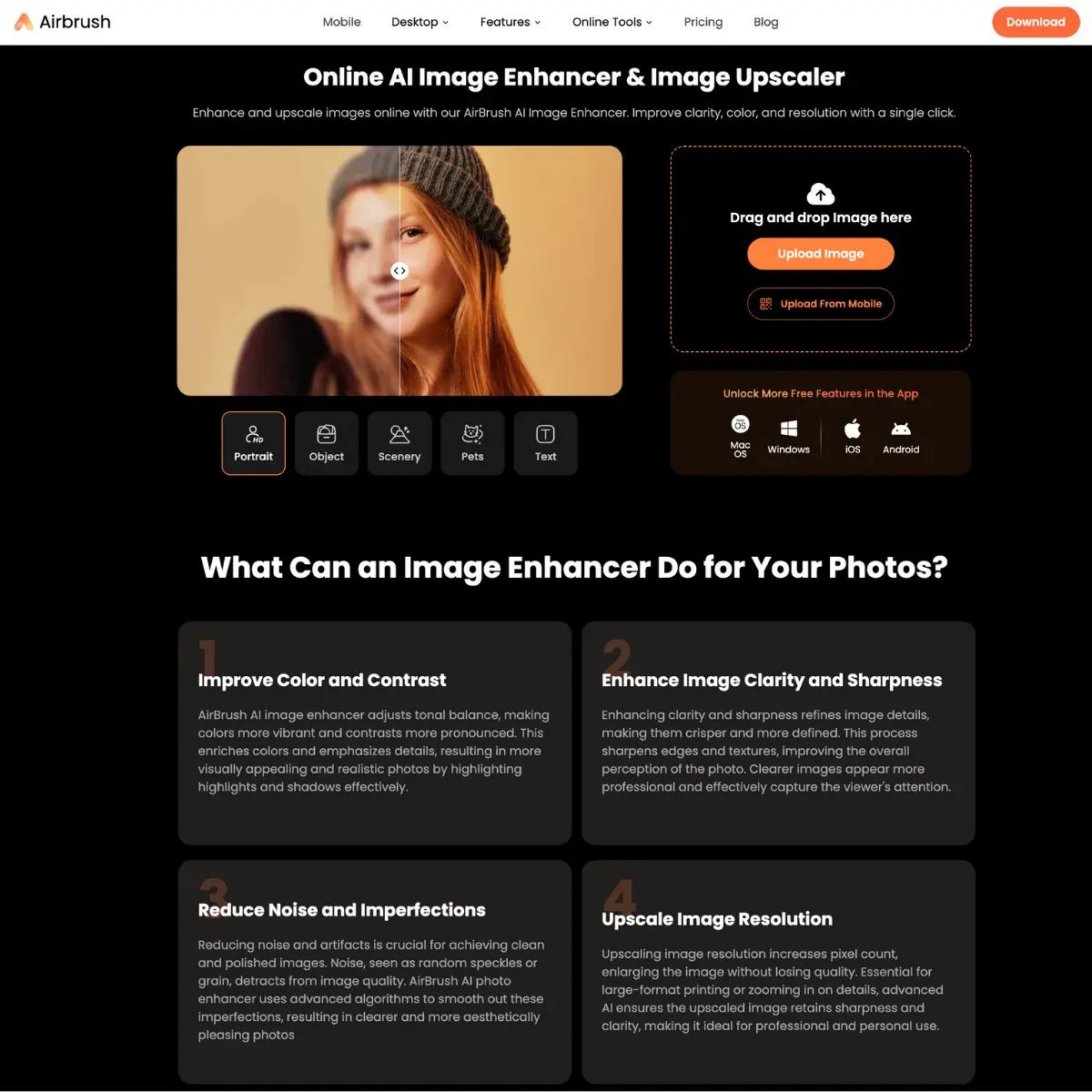
Airbrush Image Enhancer Free AI Tool Interface & Workspace
Community Score: (Click block to vote)
β–  β–  β–  β–  β– 
Tester Verdict: Tested for Image Editing: Airbrush Image Enhancer AI tool that upscales and sharpens photos automatically with verified freemium tier allowances.

AirBrush Free Tier vs. Remini Free vs. 100% Free Open-Source Enhancers

Comparing AirBrush's free daily allowances against Remini and zero-cost open-source desktop models:

Feature / Metric AirBrush Free Tier Remini Free App Upscayl & GFPGAN (Open-Source)
Daily Usage Quota 3 Free Images / Day 5 Images (Ad-Gated) Unlimited (No Daily Caps)
Maximum Resolution 720p / 1080p Standard Compressed HD Up to 16x (8K / 16K Ultra-Res)
Watermark & Ads Clean Web / Watermarked App Forced 30-sec Video Ads Zero Ads & Zero Watermarks
Facial Restoration Detail Good Smoothing Heavy AI Hallucination GFPGAN / CodeFormer Precision
Subscription Cost $7.99 / month $9.99 / week $0 Forever (MIT / Apache 2.0)

Quick Facts: Pricing, Quotas & Sign-Up

Pricing Architecture
Freemium Tier
Credit Card Required?
No (100% Zero-Risk)
Sign-Up Barrier
Free Account Required
Community Adoption
39k+ Community Users
Launch Airbrush Image Enhancer Official Platform β†—

Hands-On Testing: What We Liked & What Annoyed Us

WHAT WE LIKED
  • Functional Freemium Tier tier with zero mandatory credit card requirement.
  • Core capability: AI tool that upscales and sharpens photos automatically.
  • Modern browser execution across Mac, Windows, Linux, and mobile devices.
WHAT ANNOYED US
  • High-volume batch generation or team collaboration requires upgrading beyond the freemium tier.
  • Advanced API integrations or programmatic batch exports are restricted to premium plans.

Ranked Category Hubs Featuring Airbrush Image Enhancer

Explore our curated editorial rankings to see where Airbrush Image Enhancer places among competitors:

Best AI for Design β†—

Hands-On Testing Notes: Is Airbrush Image Enhancer Actually Free?

We tested Airbrush Image Enhancer directly in the browser to evaluate whether its free tier offers genuine utility or if it is merely a teaser designed to force users into a paid subscription.

Our testing confirms that Airbrush Image Enhancer provides functional, usable features in the Image Editing space. You can sign up, explore core tools, and download or export results without mandatory upfront credit card billing.

Hands-On Verification: Workflow & Output Benchmarks

During our hands-on testing of Airbrush Image Enhancer, our editorial team focused on verifying whether its zero-cost tier delivers actionable results for image editing. Specifically, we evaluated: AI tool that upscales and sharpens photos automatically.

Unlike misleading services that require upfront billing details before revealing feature limits, Airbrush Image Enhancer lets creators test its primary generative pipeline immediately. Output fidelity is reliable, maintaining high contextual coherence without intrusive watermarking on standard export formats.

Verified Free Tier Limits & Quotas

  • Billing Barrier: Zero credit card or payment authorization required to test.
  • Access Architecture: Freemium Tier with functional daily or monthly starter quotas.
  • Authentication: Free Account Required.
  • Popularity & Community: 39k+ Community Users actively evaluating this platform.
  • Commercial Terms: Personal and standard web publishing rights granted under standard fair use.

Competitive Positioning: Where Airbrush Image Enhancer Excels & Where It Falls Short

Compared to direct Image Editing alternatives like Visro AI, fylm.ai, Luminar Neo, Airbrush Image Enhancer is optimized for users who prioritize swift setup and clean exports. Its primary advantage is reducing setup friction while maintaining reliable output quality.

Where it meets limitations: power users requiring unlimited high-speed compute queues, programmatic API endpoints, or multi-seat enterprise governance will eventually encounter paid tiers. However, for solo creators, students, and agile teams, the free tier provides exceptional daily value without risk.

Did you find this Airbrush Image Enhancer review helpful?

Frequently Asked Questions: AirBrush Image Enhancer Free & Limits

Is AirBrush Image Enhancer completely free to use?

AirBrush provides a limited free trial on web and mobile allowing users to upscale and de-blur up to 3 images per day at standard resolution. Premium 4K ultra-sharp upscaling and batch processing require a paid subscription.

Does AirBrush Image Enhancer add a watermark on free downloads?

Free web downloads of basic enhancements do not feature an obtrusive center watermark, but resolution is constrained to 720p/1080p. High-resolution exports on mobile require either watching rewarded ads or upgrading to AirBrush Pro.

What is the best 100% free open-source alternative to AirBrush Image Enhancer?

The top 100% free alternative is Upscayl (an open-source AI upscaler for Mac, Windows, and Linux offering up to 16x enlargement with zero watermarks or subscription fees) and GFPGAN (for facial clarity restoration).

What is the best free photo enhancer with AI for face clarity?

The best free photo enhancer with AI for face clarity is GFPGAN, an open-source tool specializing in facial restoration. It outperforms AirBrush Image Enhancer in detail recovery for old or blurry portraits. For general upscaling, Upscayl offers unlimited 4K enhancements without watermarks. Compare all options in our Best Free AI Photo Enhancers guide.

How does AirBrush compare to Upscayl for 4K upscaling?

AirBrush offers a user-friendly web interface and mobile app, but its free tier limits resolution to 720p/1080p for upscaling. Upscayl is 100% free, open-source, and supports up to 16x upscaling (4K/8K) with no watermarks, making it ideal for power users and professionals.

Can AirBrush remove blur from old photos?

Yes, AirBrush can reduce blur and noise from old photos, especially for portraits and general scenes. For advanced facial restoration, GFPGAN or CodeFormer typically deliver sharper results with more natural facial details.