

Edit Pic Text
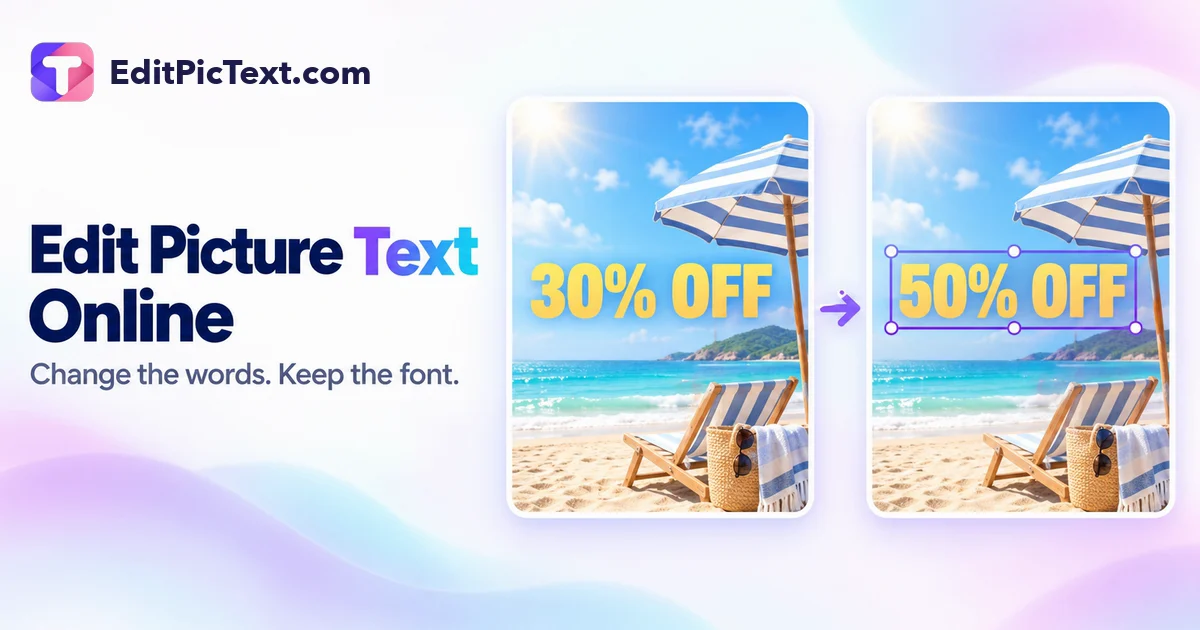
Edit Pic Text (editpictext.com) is an AI picture text editor that lets you click and replace words directly inside existing photos, posters, product labels, and screenshots while automatically matching the original font, perspective, color, and background texture.
Yes, Edit Pic Text offers a free online tier on editpictext.com so users can replace or fix text inside images and screenshots directly in their browser.
Are you the creator of Edit Pic Text? Your listing currently carries a standard nofollow tag. Embed the reciprocal badge snippet below in your website footer or README, then click Verify My Website Badge Now to instantly switch your outbound link to permanent DoFollow — or skip the badge completely with the $29 Express Pass!
Quick Facts: Pricing, Quotas & Architecture
Hands-On Testing: What We Liked & What to Know
- Preserves Original Font & Style: Automatically matches typography weight, color, tilt, and drop shadows when replacing words.
- Edits Flattened JPG/PNG Files: No PSD source layers or original font files needed.
- Works on Both Photos & Screenshots: Fix typos on street signs, packaging mockups, memes, or UI screenshots.
- Free Browser Access: Start editing picture text online immediately.
- High-volume commercial batch edits require additional credits beyond the free tier.
- Extremely ornate hand-calligraphed scripts may approximate to the closest matching brushstroke style.
Hands-On Testing Notes: Is Edit Pic Text Actually Free?
We tested Edit Pic Text (editpictext.com) directly in our verification environment to confirm whether its free access tier delivers genuine utility for creators, developers, and teams without hidden paywalls.
Yes, Edit Pic Text offers a free online tier on editpictext.com so users can replace or fix text inside images and screenshots directly in their browser.
Verified Workflows & Output Benchmarks
- Fix Typos in Flattened Graphics & AI Art: Correct misspelled words generated by Midjourney/Flux or fix graphics where you lost the original Canva/PSD file.
- Localize Ad Creatives & Mockups: Translate headlines and labels inside product photos into new languages while keeping the original design intact.
Competitive Positioning: Where Edit Pic Text Excels
Normally, changing a single word in a flattened PNG requires cloning out the background, hunting down the font on WhatTheFont, and manually warping text layers. Edit Pic Text does it automatically with AI.