


We track 733+ AI tools across 30 categories. Submit yours →
Editorial Head-to-Head Comparison

Cursor vs GitHub Copilot (2026): Which AI IDE Wins?

The developer tooling landscape has shifted from basic single-line autocomplete to agentic pair programming across entire codebases. We tested the VS Code fork Cursor against Microsoft's GitHub Copilot to identify which tool provides superior developer productivity and free-tier value.

Editorial Benchmark • Verified Free Tiers • Zero Sponsored Bias
Cursor Logo

Cursor

Freemium
VS
GitHub Copilot Logo

GitHub Copilot

Paid ($10/mo) / Free for Students
Cursor Logo

Cursor

Freemium
4.9 / 5.0
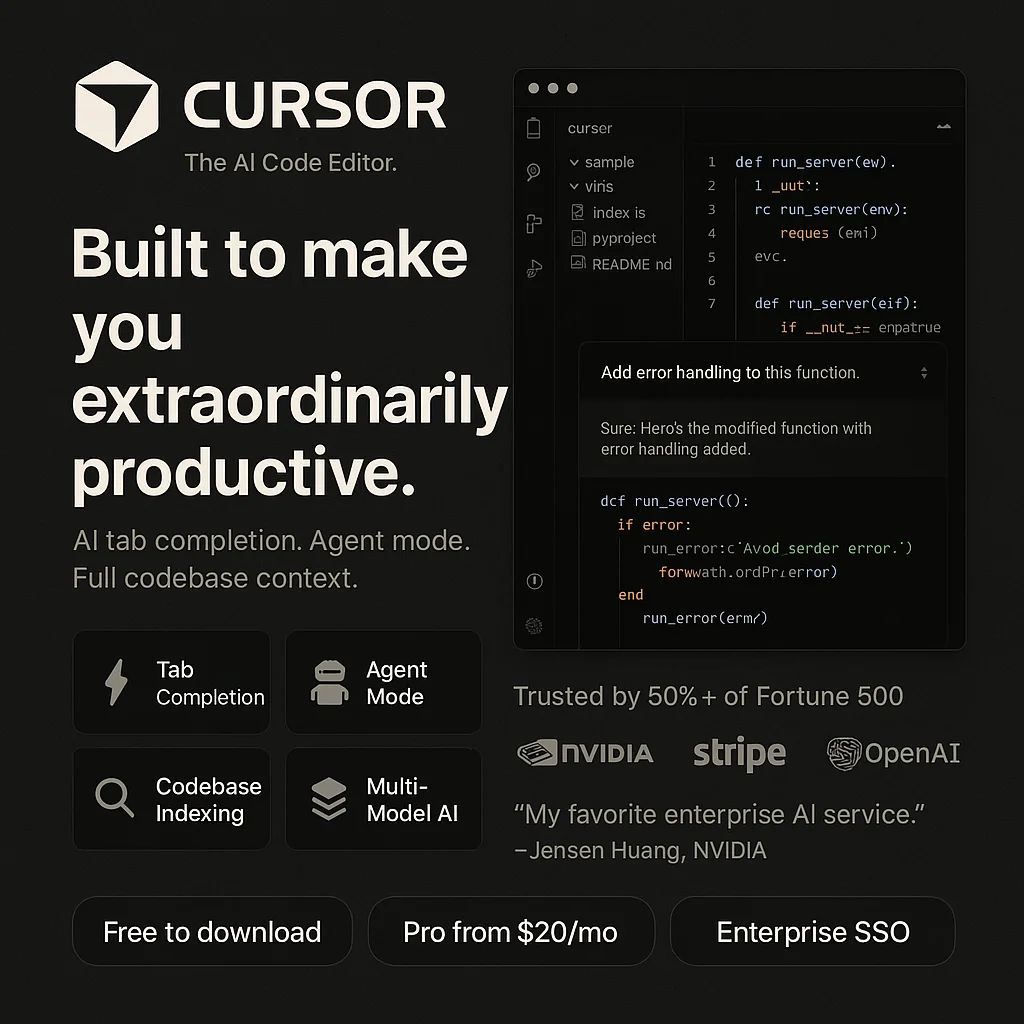
Cursor interface demo

An AI-first fork of VS Code built to treat frontier models as first-class software engineers. Features Composer for multi-file refactoring and semantic repository indexing.

  • Free Limits: 2,000 free code completions + 50 slow premium requests monthly
  • Core Strength: Autonomous multi-file editing via Composer; deep codebase context
  • Trade-off: Requires switching to the Cursor editor application
Full Review → Launch Official ↗
GitHub Copilot Logo

GitHub Copilot

Paid ($10/mo) / Free for Students
4.7 / 5.0
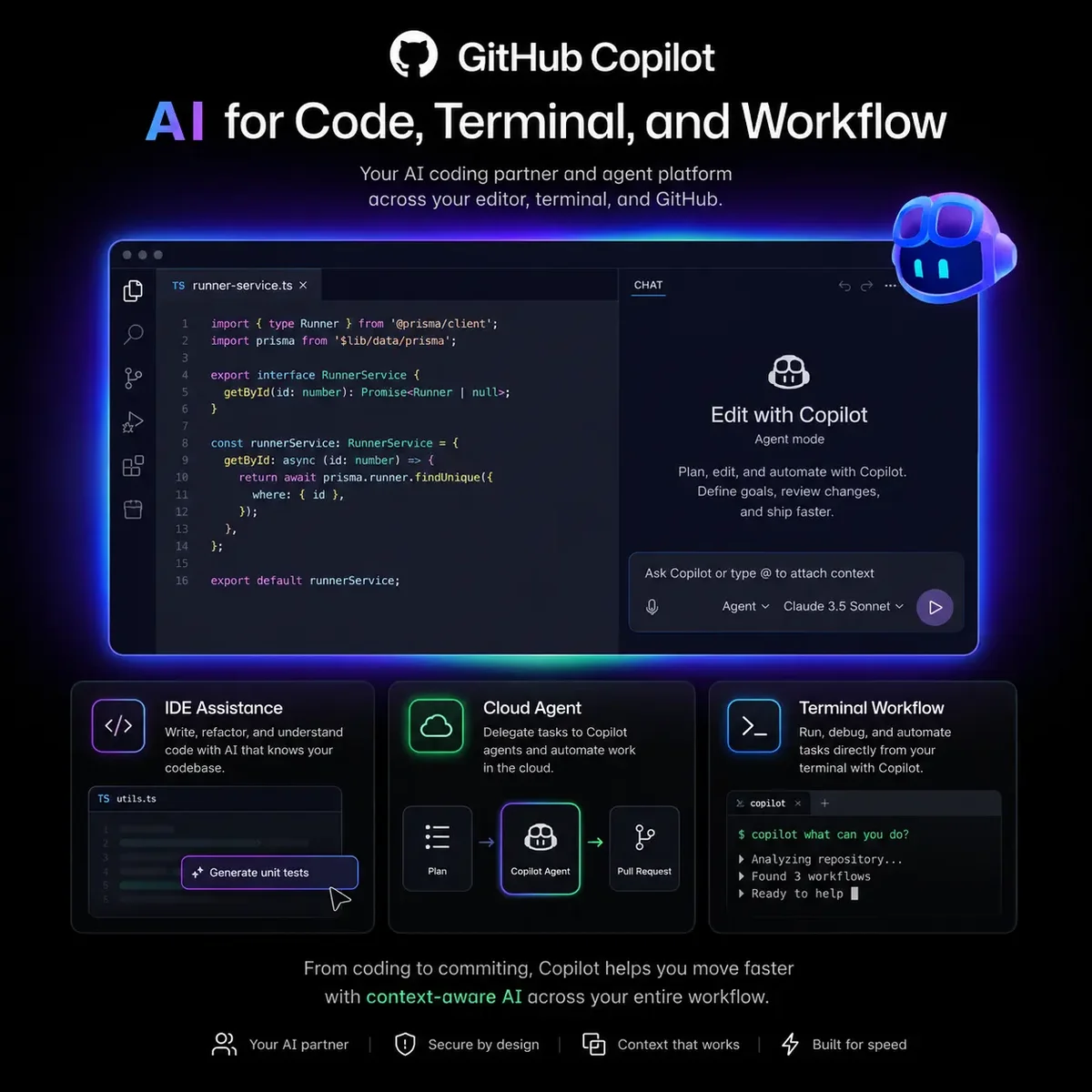
GitHub Copilot interface demo

The original AI pair programmer by GitHub and OpenAI. Plugs into existing VS Code, JetBrains, and Neovim environments for seamless inline suggestions.

  • Free Limits: Free for verified students & open-source maintainers ($10/mo otherwise)
  • Core Strength: Works inside any existing IDE; deep GitHub PR integration
  • Trade-off: Single-file autocomplete focus; lacks native multi-file agent
Full Review → Launch Official ↗
ZeroCostAI Verdict

The Winner: Cursor IDE is the Clear Champion for Modern AI Coding

Cursor is the definitive winner. While GitHub Copilot popularized inline ghost text, Cursor was engineered from scratch around autonomous coding. Cursor's Composer can refactor multiple interconnected files, fix terminal errors with one click, and offers 2,000 free monthly completions without demanding a credit card.

Technical Specification Breakdown

Key Metric Cursor GitHub Copilot
Multi-File Refactoring Native Composer (Agent Mode) Copilot Workspace (Limited preview)
Free Tier for Everyone Yes (2,000 completions monthly) No (Paid $10/mo, free only for students)
Model Selection Claude 3.5 Sonnet, GPT-4o, Cursor-Small GPT-4o, Claude 3.5 Sonnet (Chat only)
Codebase Context Embeddings vector indexing Workspace context search
Terminal Error Debugging One-click auto-debug in terminal Manual chat prompt required

Frequently Asked Questions

Why are developers switching from Copilot to Cursor?

Cursor's Composer allows you to press Cmd+I or Cmd+K to edit multiple files simultaneously with full codebase understanding, whereas Copilot operates primarily as single-line autocomplete.

Can I import my VS Code extensions and settings into Cursor?

Yes. Cursor is a hard fork of VS Code; on initial setup, you can import all your extensions, keybindings, and themes in a single click.

Is Cursor free to use forever?

Yes. Cursor provides a generous free tier that includes 2,000 AI completions and 50 slow premium requests every month.

How do students get GitHub Copilot for free?

Students can register for the GitHub Student Developer Pack with an accredited .edu email address to receive 100% free access to GitHub Copilot.