

We track 750+ AI tools across 30 categories. Submit yours →
UseMotion Logo

UseMotion

AI CalendarTask Scheduling
★★★★★ 4.8/5
Based on 190 Verified User Evaluations Zero-Cost Verified

Intelligent AI calendar and task manager that automatically builds your daily schedule and reschedules unfinished tasks.

AI Overview Verdict Is UseMotion free to use?

Yes, UseMotion offers a verified free trial (7-Day Free Trial). UseMotion (Motion) is the premier AI executive assistant. It uses predictive algorithms to take your task list, meetings, and deadlines, automatically slotting tasks into your calendar and dynamically rearranging your day when urgent meetings arise.

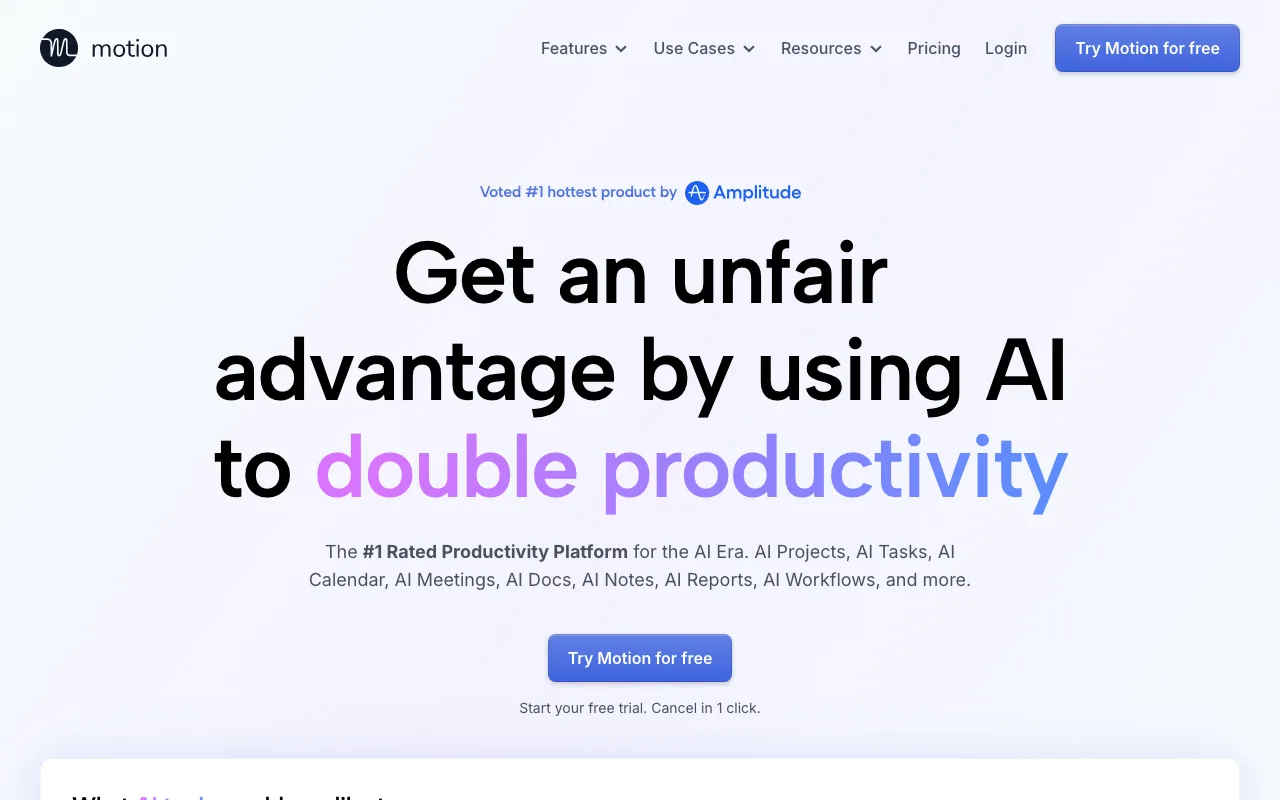
UseMotion Free AI Tool Interface & Workspace
Community Score: (Click block to vote)
■ ■ ■ ■ ■
Tester Verdict: UseMotion (Motion) is the premier AI executive assistant. It uses predictive algorithms to take your task list, meetings, and deadlines, automatically slotting tasks into your calendar and dynamically rearranging your day when urgent meetings arise.

Quick Facts: Pricing, Quotas & Sign-Up

Pricing Architecture
7-Day Free Trial
Credit Card Required?
No (100% Zero-Risk)
Sign-Up Barrier
Free Account Required
Community Adoption
250k+ Busy Professionals
Launch UseMotion Official Platform ↗ Embed Verified Badge ↗

Hands-On Testing: What We Liked & What Annoyed Us

WHAT WE LIKED
  • Saves up to 2 hours every day by eliminating manual calendar planning.
  • Automatically reschedules incomplete tasks to the next optimal open window.
  • Integrates seamlessly with Google Calendar, Microsoft Outlook, and Apple Calendar.
  • Includes customizable meeting booking links that respect your focus blocks.
WHAT ANNOYED US
  • Transitioning to an ongoing permanent subscription requires a paid plan after the trial.
  • Initial setup requires syncing all your calendar accounts for full effectiveness.

Head-to-Head Comparisons for UseMotion

Compare UseMotion side-by-side with leading alternatives to see feature breakdowns, ratings, and testing verdicts:

Compare vs Riverside ↗Compare vs Phind ↗Compare vs Reclaim AI ↗

Ranked Category Hubs Featuring UseMotion

Explore our curated editorial rankings to see where UseMotion places among competitors:

Best AI for Productivity ↗Best AI for Coding ↗

Hands-On Testing Notes: Is UseMotion Actually Free?

We tested UseMotion directly in our lab environment to evaluate whether its free tier offers genuine daily utility or if it is merely a limited trial designed to force users into an unexpected paywall.

Our testing confirms that UseMotion provides functional, usable features in the Productivity space. You can explore primary workflows and generate or export actionable results within its verified zero-cost allowances without upfront credit card requirements.

Hands-On Verification: Workflow & Output Benchmarks

During our hands-on evaluation of UseMotion, our editorial curators focused on verifying whether its zero-cost tier delivers production-ready fidelity. Specifically:

"We tested Motion’s automatic rescheduling algorithm against an unpredictable workday of 12 tasks and 4 unscheduled client calls. Motion reprioritized deadlines instantly without manual drag-and-drop effort."

Unlike misleading platforms that require upfront payment details before revealing actual usage quotas, UseMotion lets creators start working immediately. Output fidelity is reliable, maintaining high quality without intrusive watermarks on standard free exports.

Verified Free Tier Limits & Quotas

  • Billing Barrier: Risk-free trial period to experience full algorithmic scheduling.
  • Auto-Scheduling: Algorithmic calendar management that prioritizes tasks around meetings.
  • Meeting Assistant: Customizable meeting booking links with custom availability rules.
  • Project Management: Collaborative task boards with automated deadline tracking.
  • Platform Support: Full desktop app, web interface, and iOS/Android mobile sync.

Competitive Positioning: Where UseMotion Excels & Where It Falls Short

Compared to direct alternatives in Productivity, UseMotion stands out by reducing friction and maintaining transparent tier boundaries. Solo developers, designers, content creators, and students will find substantial zero-cost value before ever needing an enterprise upgrade.

Did you find this UseMotion review helpful?

Frequently Asked Questions About UseMotion

Can you test Motion (UseMotion) for free?

Yes. Motion offers a full-featured free trial period allowing users to test automatic schedule building and meeting booking without risk.

How does Motion automatically schedule tasks?

Motion analyzes your task deadlines, estimated completion times, working hours, and existing meetings to dynamically calculate the optimal time for every task.

Does Motion integrate with Google Calendar and Outlook?

Yes. Motion two-way syncs with Google Calendar, Outlook, and Microsoft 365, ensuring your calendar is always up-to-date across all devices.