

Text Generation WebUI
Text Generation WebUI (TextGen) runs any LLM locally for free. Supports Llama, Mistral & more. One-click install guide, features & review.
Yes, Text Generation WebUI is 100% free to use. Evaluated for Local LLM Runners: Text Generation WebUI delivers verified capabilities. Best for creators, professionals, and developers looking for reliable workflows without upfront credit card paywalls.
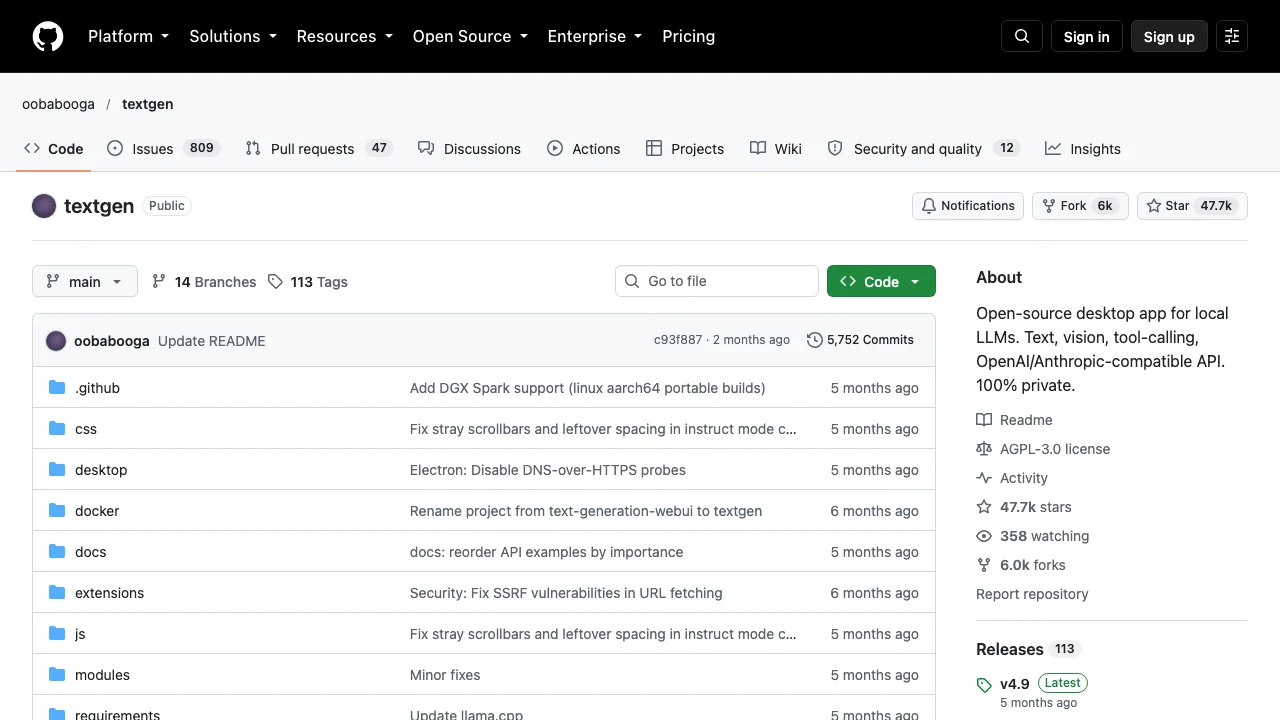
Text Generation WebUI (TextGen, formerly oobabooga) is a free, open-source interface for running large language models locally. It supports multiple backends including llama.cpp and ExLlamaV3, features one-click installers for all platforms, and includes extensions for voice, vision, and API access.
Quick Facts: Architecture, Quotas & Sign-Up
What Is Text Generation WebUI?
Text Generation WebUI (often called 'oobabooga' after its lead creator, and officially named TextGen) is the most comprehensive open-source browser interface for serving and experimenting with large language models locally on personal computers.
How to Install Text Generation WebUI
Installing TextGen is streamlined with 1-click installer scripts (`start_windows.bat`, `start_linux.sh`, `start_macos.sh`). The script automatically builds an isolated Python virtual environment, installs PyTorch with GPU drivers, and launches a Gradio interface.
Supported Models & Backends
Text Generation WebUI supports virtually every modern neural inference backend: llama.cpp (for CPU/GGUF), ExLlamaV2/V3 (for ultra-fast GPU inference), Transformers, AutoGPTQ, AutoAWQ, and TensorRT-LLM.
Text Generation WebUI vs Ollama vs LM Studio
While Ollama and LM Studio focus on a simplified chat experience, Text Generation WebUI is the Swiss Army knife. It offers full parameter tuning (Temperature, Top-P, Min-P, Repetition Penalty), character card roleplay, and LoRA training.
TextGen Extensions & Features
The platform includes a rich extension ecosystem featuring SillyTavern integration, Coqui TTS for voice responses, Whisper STT for voice input, and an OpenAI-compatible API endpoint at `http://localhost:5000/v1`.
Hands-On Testing: What We Liked & What Annoyed Us
- The definitive Gradio interface for running local LLMs offline
- Supports multiple inference backends: Transformers, ExLlamaV2, llama.cpp
- 100% free open-source software with active GitHub community
- Requires basic command-line proficiency to install dependencies
- Requires dedicated GPU VRAM or sufficient unified system RAM

Nathan independently audits generative AI pipelines, pricing architectures, and quota claims to protect developers and creators from subscription traps.
Frequently Asked Questions: Text Generation WebUI
Is Text Generation WebUI free?
Yes, it is 100% free and open-source under the AGPL-3.0 license.
What models can I run on Text Generation WebUI?
You can run any open-weights model from Hugging Face including Llama 3, Mistral, Gemma 2, Qwen 2.5, DeepSeek, and Command R.
What is the difference between oobabooga and Ollama?
Ollama is a lightweight background daemon focused on ease of use. Oobabooga is a feature-rich GUI offering deep parameter adjustments and multiple model backends.
Can I run Text Generation WebUI on CPU?
Yes, using the llama.cpp backend, you can run GGUF quantized models entirely on system RAM and CPU cores.