

GIMP
GIMP is the classic open-source raster graphics editor. With version 3.0 and modern AI neural filter plugins, it provides non-destructive image manipulation, deep color grading, and CMYK prepress workflows.
Yes, GIMP is 100% free to use. Power users, Linux developers, and digital photographers who need an offline, extensible graphic editor.
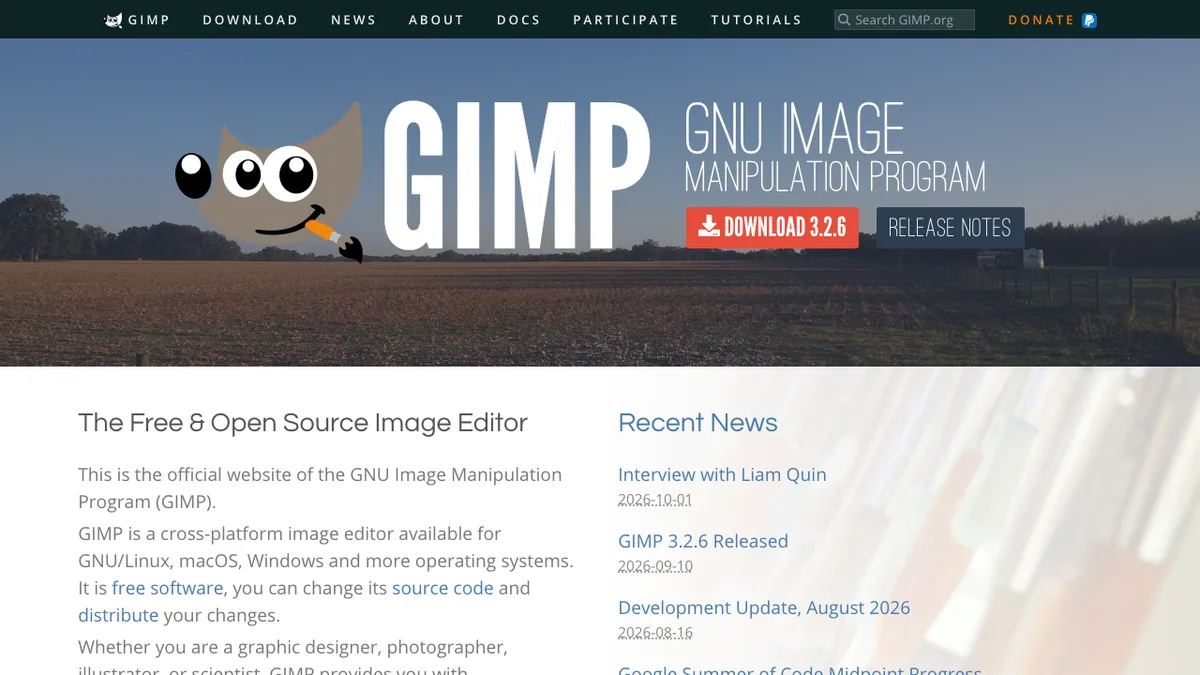
💰 GIMP Pricing & Cost Breakdown (2026)
100% Free & Open SourceWe independently audited GIMP's pricing and quota structures. Below is the verified cost breakdown for creators and developers in 2026:
Quick Facts: Architecture, Quotas & Sign-Up
Hands-On Testing: What We Liked & What Annoyed Us
- 100% free software under GNU GPLv3 license
- Completely offline with zero cloud telemetry or tracking
- Immense community plugin library for custom filters
- Steeper learning curve for users migrating from Canva
Core Capabilities & Feature Breakdown
- High-end color management with GEGL-based 32-bit floating point precision
- Extensible architecture with Python and C scripting interfaces
- Advanced selection tools including path bezier pen, fuzzy select, and foreground extract
- Cross-platform support across macOS, Windows, and Linux

Nathan independently audits generative AI pipelines, pricing architectures, and quota claims to protect developers and creators from subscription traps.
Ranked Category Hubs Featuring GIMP
Frequently Asked Questions: GIMP
Is GIMP completely free to use?
Yes, GIMP provides a verified zero-cost tier with no upfront billing required. You can test primary features at $0 without credit card locks.
What are the free tier limits on GIMP?
Full desktop app, unlimited exports, community support
Does GIMP require credit card verification?
No credit card is required to access the free tier of GIMP on ZeroCostAI.pro.